


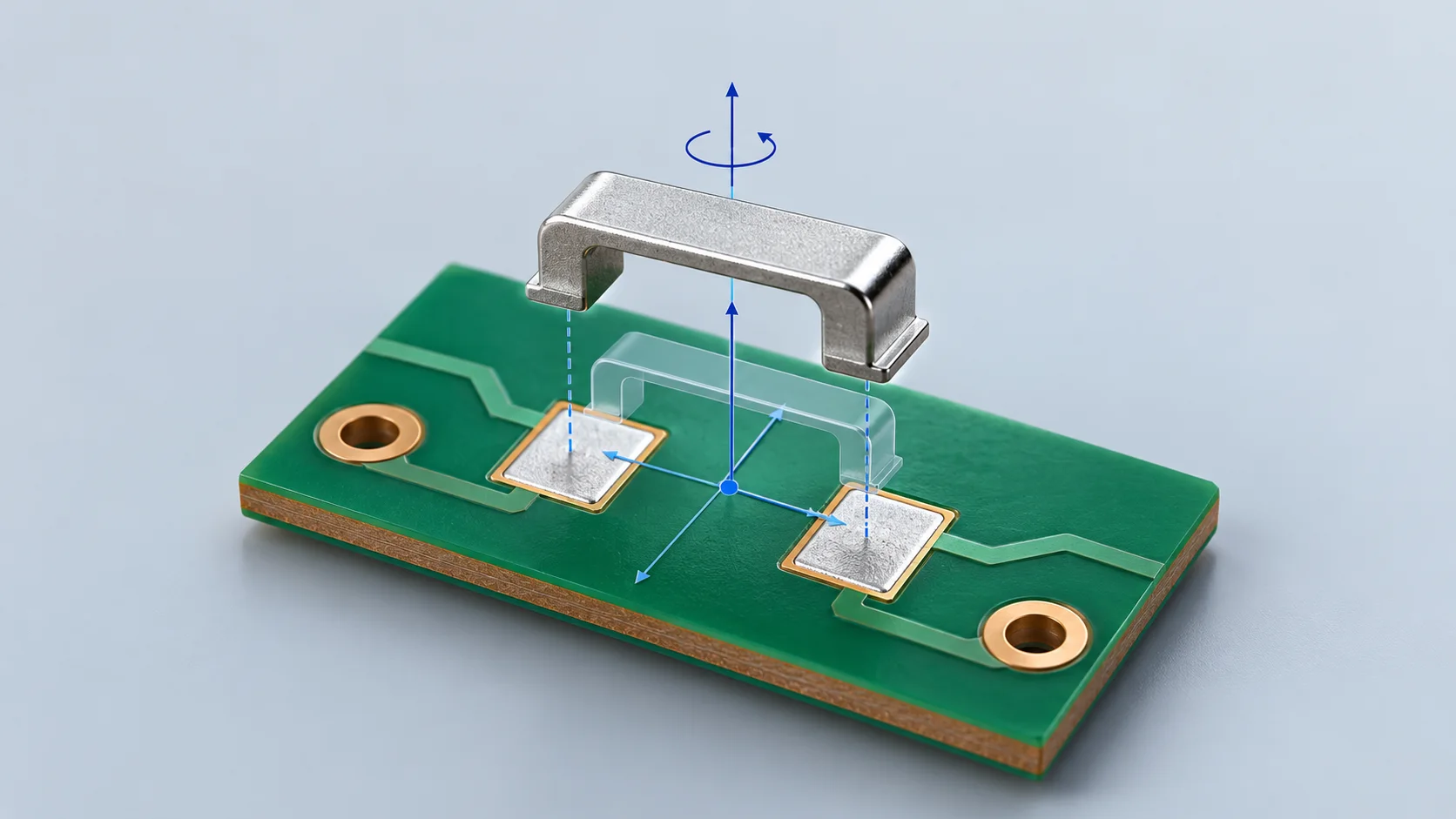
For a surface mount PCB jumper CPL file, check reference designator, coordinate origin, units, board side and rotation convention against the matching PCB revision. Overlay the real landing geometry. A symmetric outline still needs its solder feet and pickup location reviewed; one correctly placed jumper cannot validate the entire board.
Confirm the receiving format
The current JLCPCB Pick & Place guide specifies designator, Mid X/Mid Y, layer and rotation. It requires mm and defines positive rotation as counterclockwise in degrees. Eurocircuits warns that a mismatch between board and CPL coordinate systems can misplace all components. Confirm conventions with the actual assembly provider.
| Item | Suggested handoff detail | Review |
|---|---|---|
| Designator | Match BOM and assembly drawing | Missing, duplicate and unpopulated items |
| Origin and units | Origin shared with the board revision; mm | Reference locations distributed across the board |
| Side | Meaning of Top and Bottom | Both board views against assembly data |
| Rotation | Degrees, direction and zero orientation | Actual feet and asymmetric features |
| Geometry reference | Footprint origin, placement centre and pickup setup | CAD output and assembler interpretation |
Check scale before individual placement
Use a basic unit check first. One inch is 25.4 mm; interpreting inch values directly as mm changes both positions and spacing. Then review origin and side. Moving components individually can hide a systematic file mismatch. This conversion is not a stocked jumper dimension.
Eurocircuits describes whole-list rotation about the coordinate origin and separate offset and scale tools. As a review method, overlay the full data set and check widely separated locations. CAD export, bottom-side mirroring and angle transforms depend on the chosen tools and receiving convention. A universal bottom-side plus-180-degree rule is not proposed.
Review the physical bridge
For surface mount PCB jumpers, compare the actual solder-foot outline with the pads and identify the usable pickup surface. If a part is genuinely equivalent after 180-degree rotation, record that symmetry in the approved drawing. Preserve identifying features when feet or clearances differ. Do not assume a CPL geometric reference is a physical mass centre.
Reel orientation is a related input covered in tape-and-reel orientation checks. Keep it aligned with the footprint library, BOM and assembly drawing revision.
Retain reproducible manufacturing data
A useful handoff package contains PCB data, CPL, BOM, assembly drawing and export notes. If placement is edited in an assembly portal, retain the changes and update the source through the controlled process. Overlay the next export again. File consistency supports, but does not replace, first-article and process validation.
Questions
Can one correct jumper approve the board? Check other positions, both sides and different rotations. One point cannot establish correct scale and origin.
Is positive rotation universal? The JLCPCB definition above belongs to its current guide. Use the convention agreed with the receiving assembler.
Sources
JLCPCB Pick & Place requirements;Eurocircuits CPL Editor guide.
The cover is an AI placement concept, with no actual PCB data, dimensions or product model. The floating bridge illustrates alignment review only.