

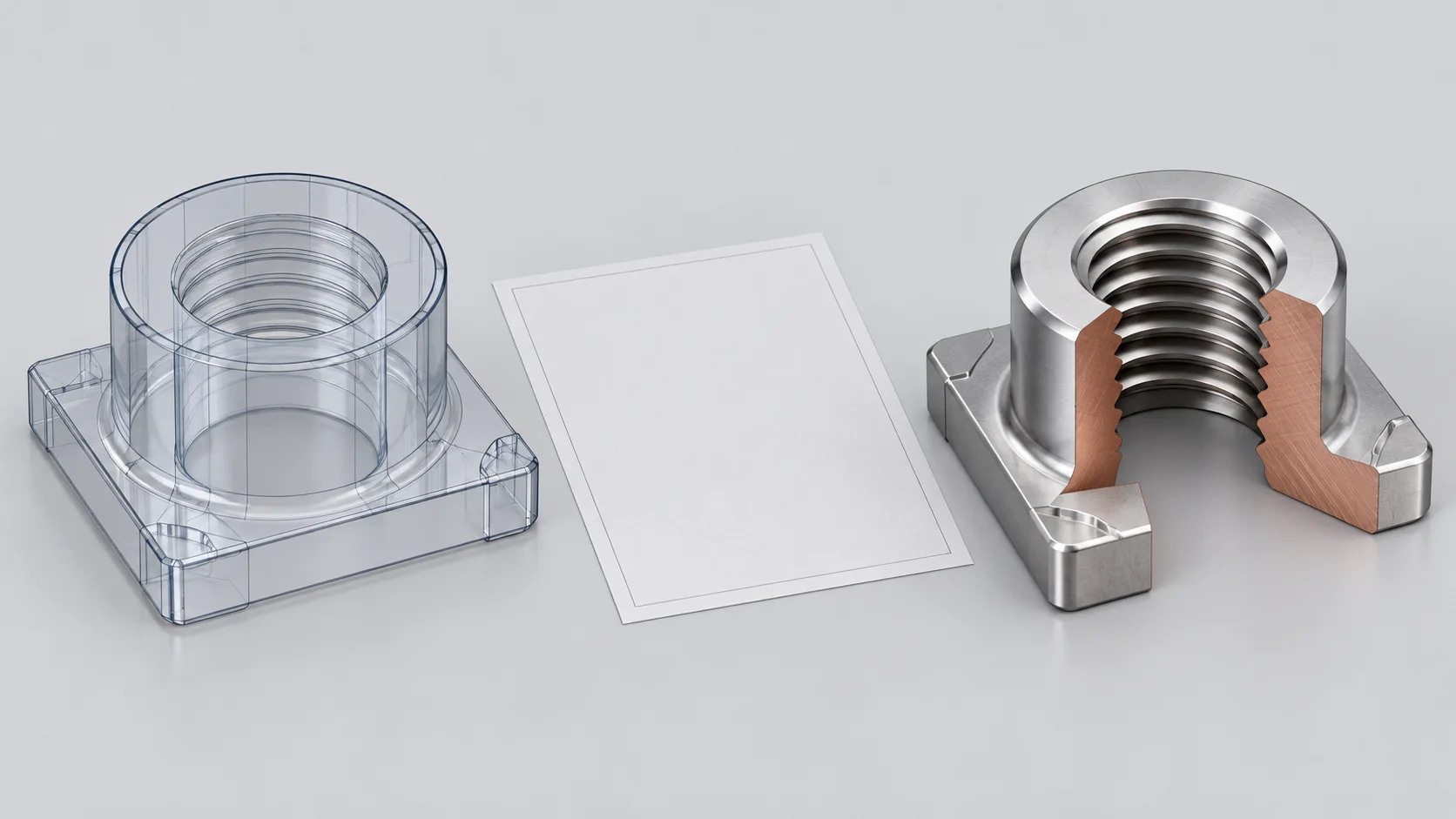
A cylindrical-looking hole in an SMT nut CAD model does not alone establish that the specified part has an unthreaded hole. Some CAD systems use cosmetic threads while retaining simplified solid geometry. Check the controlled drawing, complete thread callout and model revision; resolve conflicts before release under the agreed document rules.
Separate appearance from solid geometry
Autodesk Fusion distinguishes cosmetic thread appearance from modeled threads cut into the geometry. Its ThreadFeature API also distinguishes physical and cosmetic representation through isModeled. These are software representations, not evidence of manufacturing on a delivered nut.
| Input | Useful for | Still confirm |
|---|---|---|
| Cosmetic-thread model | Envelope, location and thread settings | Information retained after export |
| Modeled helical geometry | Geometry actually created | Agreement with controlled specifications |
| Drawing | Callout, depth and inspection requirements | Revision, units and approval |
| Part and inspection record | Evidence against delivery requirements | Lot identity and acceptance basis |
Do not infer the thread from one cylinder
A CAD cylindrical diameter may belong to a simplified representation or an actual machining feature. Check its definition before treating it as the nominal thread size. Keep nut outside diameter, hole diameter and nominal thread diameter in separate RFQ fields.
An illustrative requirement M3 x 0.5 identifies a 0.5 mm pitch. Specify tolerance class, handedness and effective thread length where required. This is a drawing example, not a claim that Hongchuan stocks that SKU. Thread length, total hole depth and screw engagement are separate dimensions.
Reopen the exchanged file
For surface mount nuts, a useful handoff retains the native model, agreed exchange format and matching drawing. Reopen the exchange file in the receiving software and review units, envelope, hole locations and required thread information. Export formats and options differ; do not assume every STEP file preserves complete annotations or helical geometry.
If an assembly review needs actual thread geometry, ask the design authority to confirm the required model detail. An envelope review can use an agreed simplification. Even fully modeled threads remain design data and do not replace part inspection. See SMT nut GO/NO-GO acceptance for that separate question.
Resolve document conflicts explicitly
A practical discrepancy record includes filenames, revisions, units, location, proposed requirement and approval. Define manufacturing and acceptance precedence in the project agreement. This article does not establish a universal drawing-over-model rule or authorize unilateral geometry changes.
Questions
Does visible helical geometry establish tolerance conformity? It establishes a model representation; delivery conformity needs the specified inspection evidence.
Can a simplified model support assembly review? Define the review purpose and simplification limits so envelope clearance is not mistaken for thread-fit verification.
Sources
Autodesk Fusion thread tool;Autodesk Fusion ThreadFeature reference
The cover is an AI CAD and cutaway concept, with no actual software interface, SKU, material or inspection result.