
For a PCB terminal startup waveform, retain analog bandwidth, effective sample rate, record length and trigger settings together. High bandwidth does not guarantee adequate sampling, and a smooth display does not prove that a narrow pulse or high-frequency component was captured correctly. Keep the actual acquisition settings and raw data.
Distinguish MHz from MS/s
Tektronix and NI discuss analog bandwidth separately from sample rate. Bandwidth concerns the analog front-end frequency response; sample rate describes discrete samples per second. Include the probe and accessories rather than relying on two maximum instrument specifications.
| Item | Unit | Report |
|---|---|---|
| Analog bandwidth | Hz or MHz | Instrument, probe and limit settings |
| Effective sample rate | S/s, MS/s or GS/s | Actual channel and timebase configuration |
| Record length | Points | Acquisition mode and range |
| Time window | s, ms or microseconds | Coverage before and after startup |
| Trigger | Level, slope and position | How the required event is captured |
A slower-looking waveform can be an alias
NI explains that ideal band-limited reconstruction requires a rate greater than twice the highest signal frequency. Practical shape and peak accuracy also depend on interpolation and instrument performance. Startup repetition rate alone does not define the highest frequency content of fast edges.
For an ideal example, a 1 MHz sine wave uniformly sampled at 1.2 MS/s can produce an alias at 0.2 MHz. That does not establish a real 0.2 MHz input. Drawing lines between samples cannot recover information already lost through aliasing. This is a mathematical example, not a Hongchuan waveform.
Review time coverage and point spacing
Assume one million available points and an effective rate of 100 MS/s. T approximately equals N/fs, giving about 10 ms of coverage. Actual memory, channel allocation and modes are instrument-specific. Recheck effective sample rate when lengthening the time window.
For PCB solder terminals, retain separate current and voltage probe settings, ranges, bandwidths and locations. Capture the required interval and identify limiting or protection events. See capacitive load and startup current for load conditions.
Make the peak reproducible
Save raw samples, time axis, acquisition mode and peak definition. Record filtering, averaging or other processing rather than presenting a processed curve as an unexplained raw peak. More samples cannot repair front-end overload, inadequate probe range or incorrect connections. Use equipment ratings and the approved test plan.
Questions
Does the twice-frequency criterion guarantee every peak? It concerns ideal reconstruction; practical peak accuracy needs the complete measurement assessment.
Does display zoom create new samples? Interpolation differs from a new acquisition. Check the original record.
Sources
Tektronix oscilloscope bandwidth and sampling;NI time-domain digitizer measurements
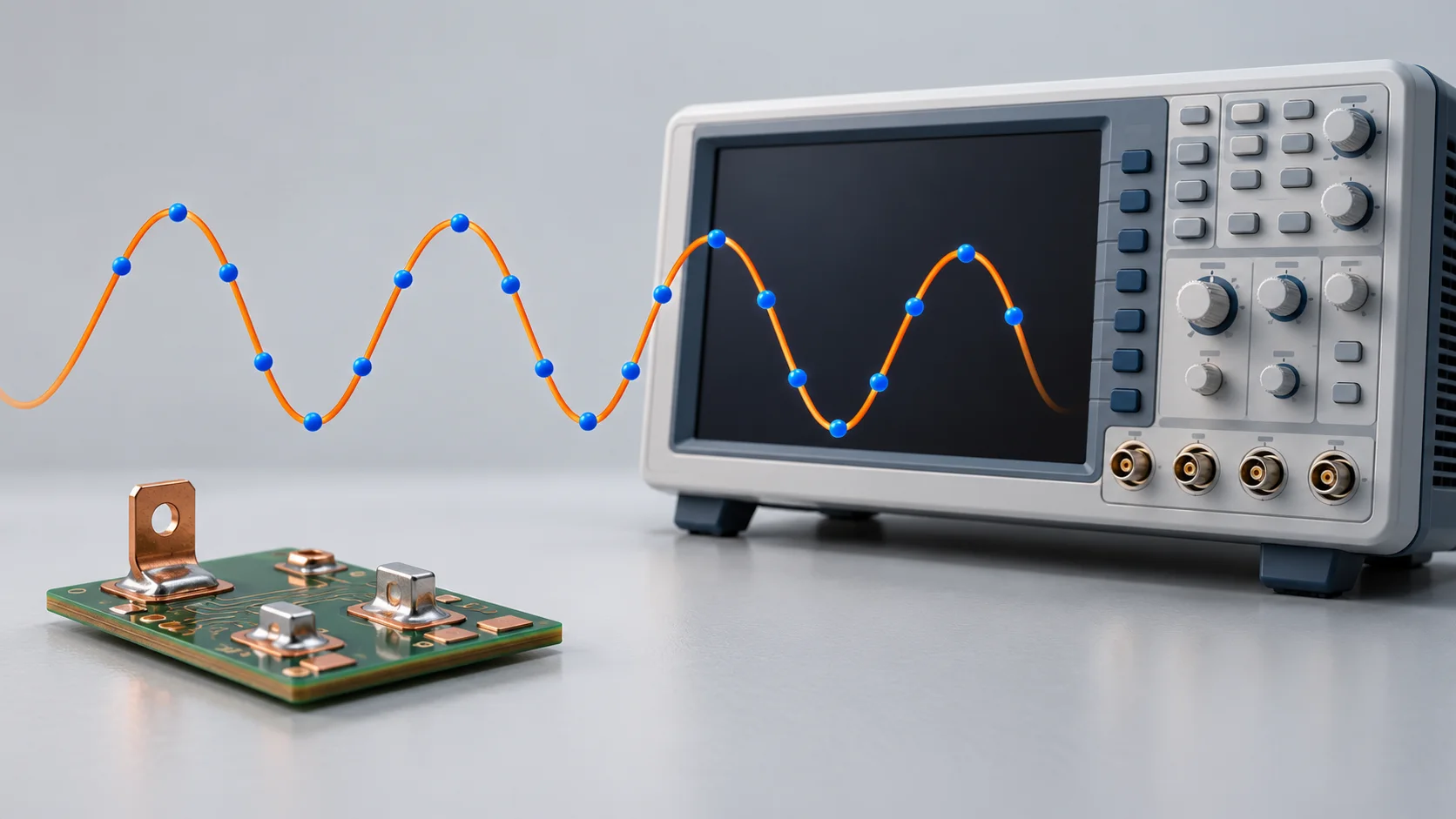
The cover is an AI sampling concept, not a captured waveform or connected test. All numerical values are hypothetical and establish no terminal or instrument specification.